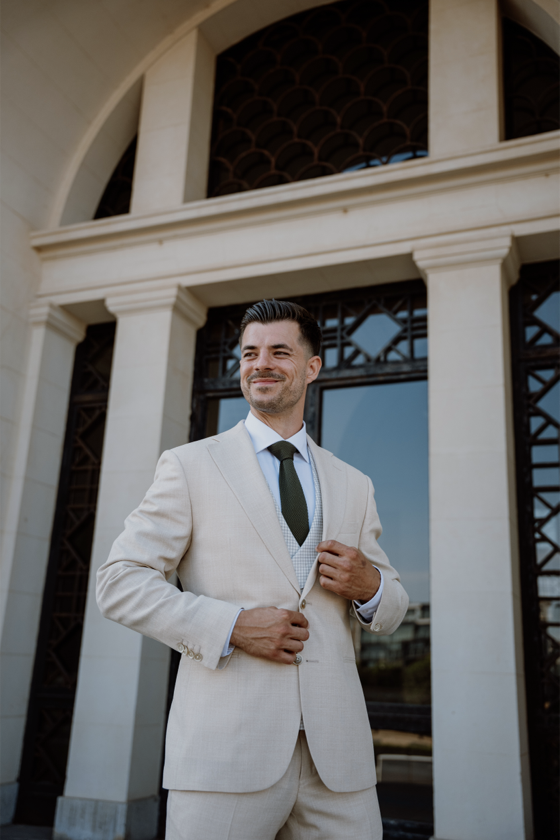
Je trouwdag is een van de meest bijzondere momenten in je leven. Een dag waarop jij in het middelpunt van de belangstelling komt te staat, een dag waarbij alles klopt tot in de kleinste details. Daarom verdient ook jouw trouwpak een persoonlijke aanpak.
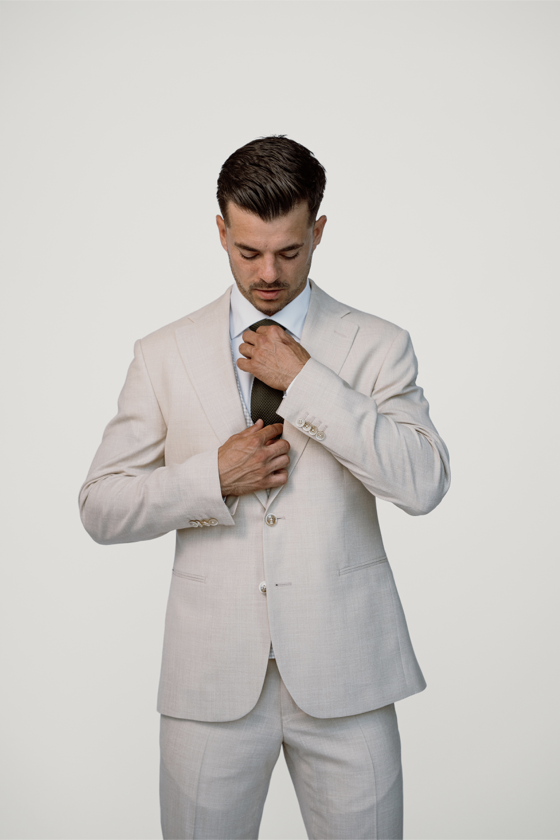
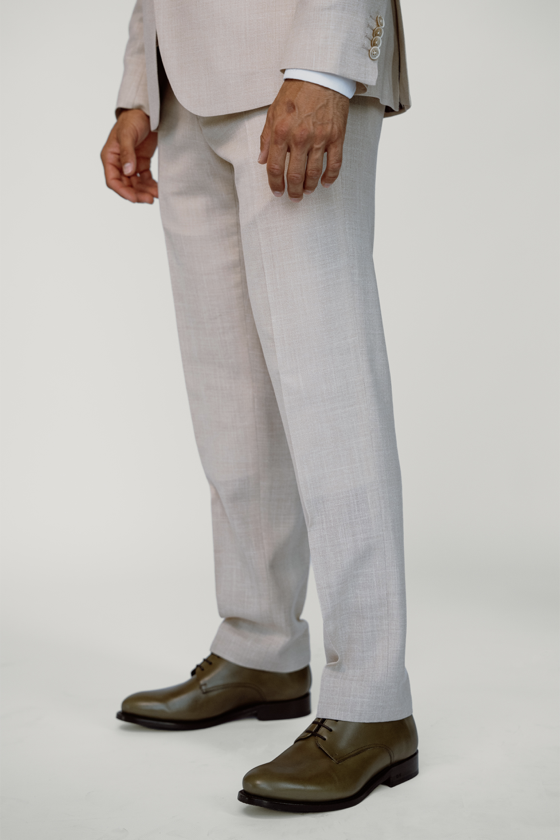
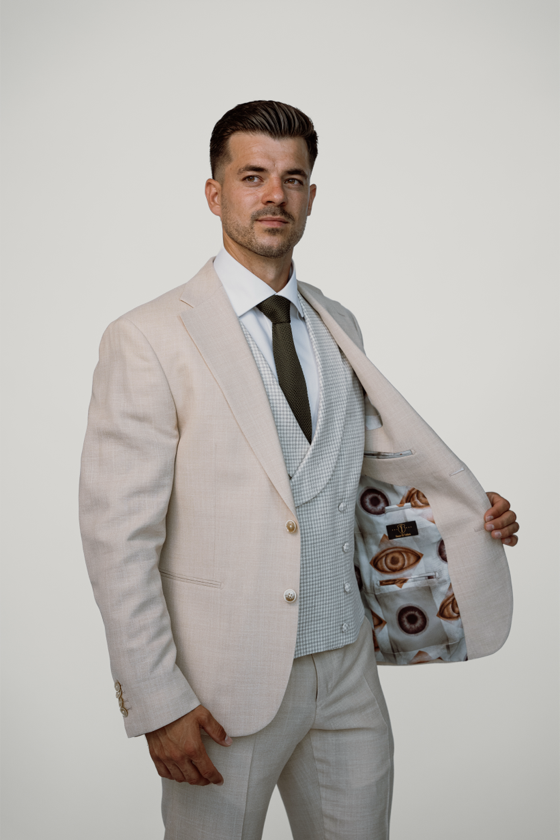
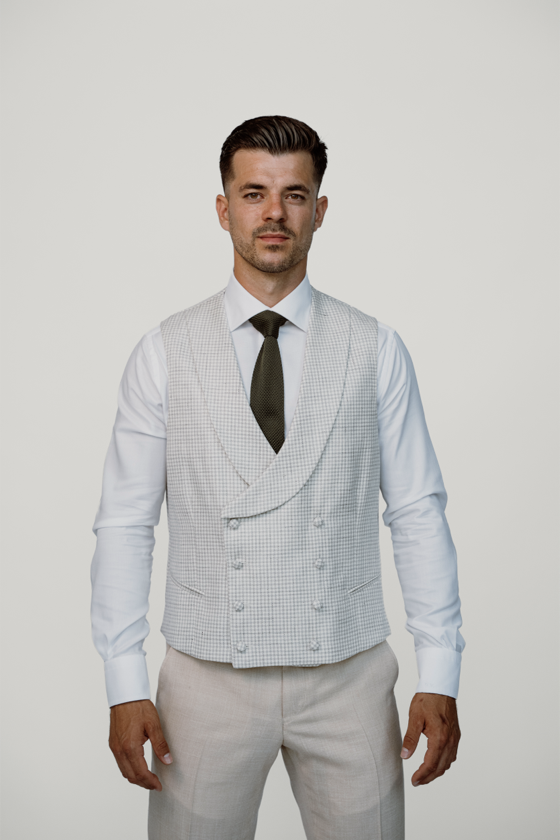
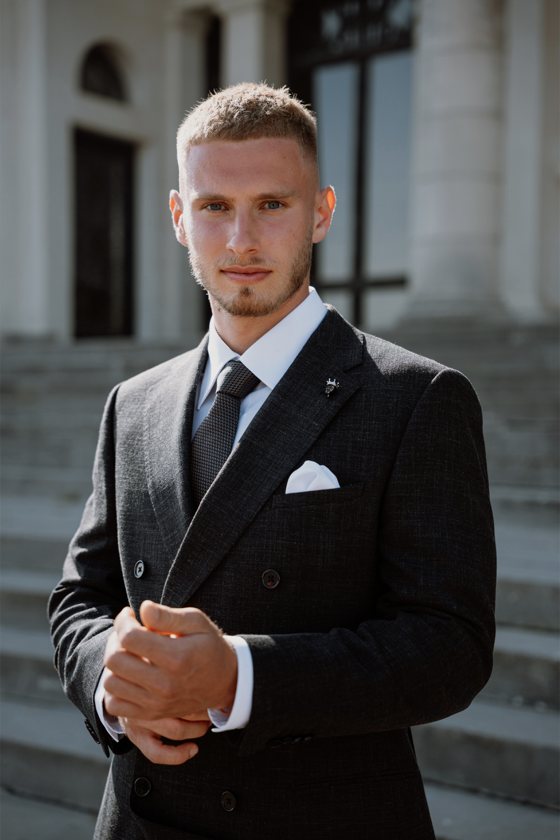
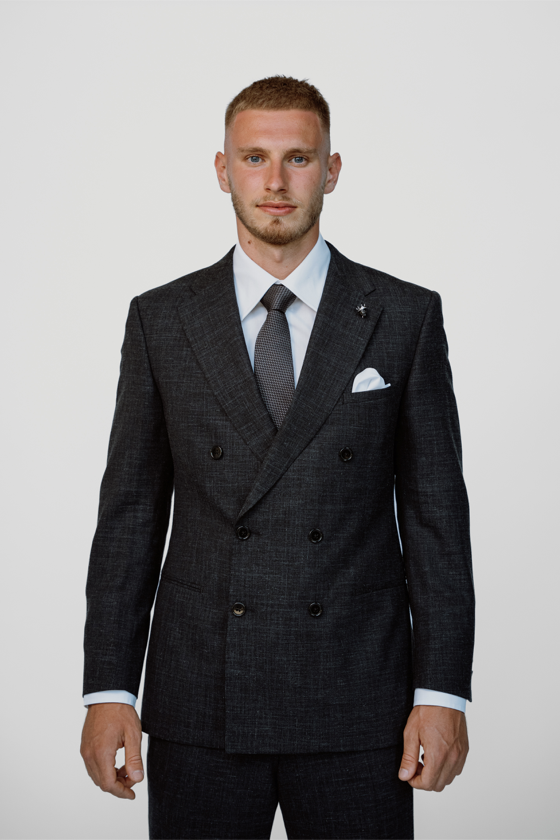
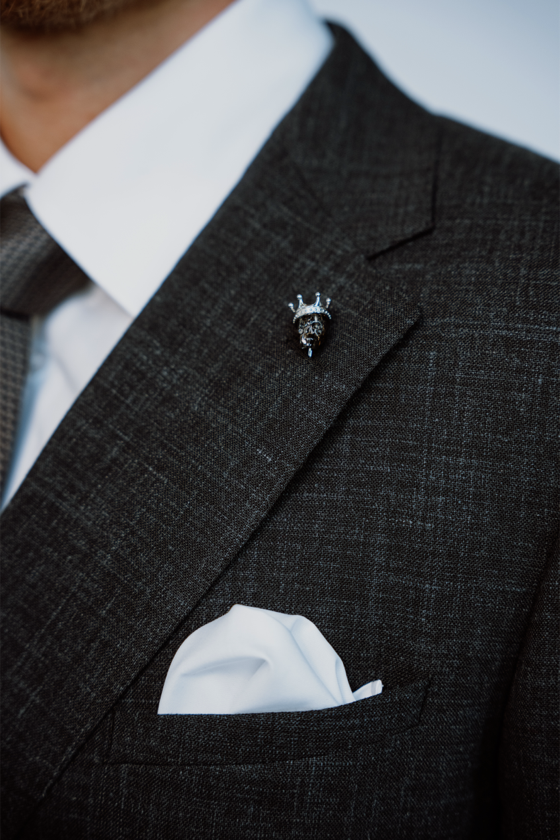
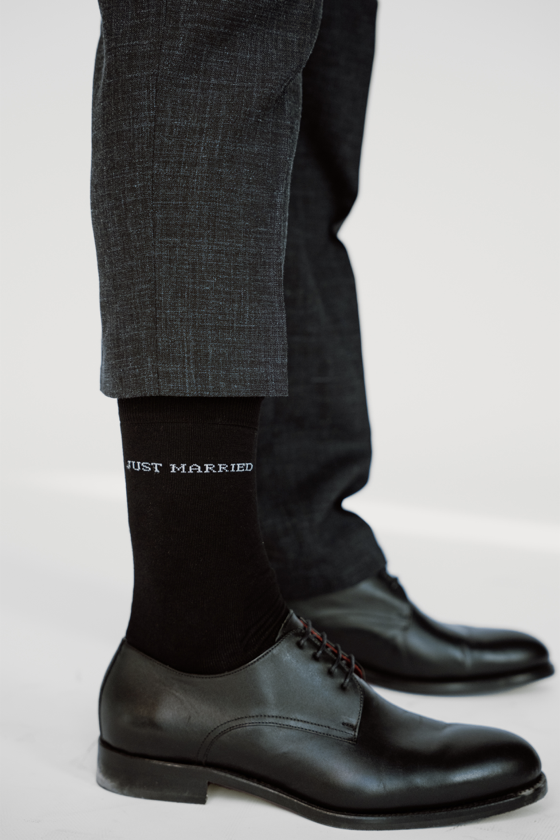
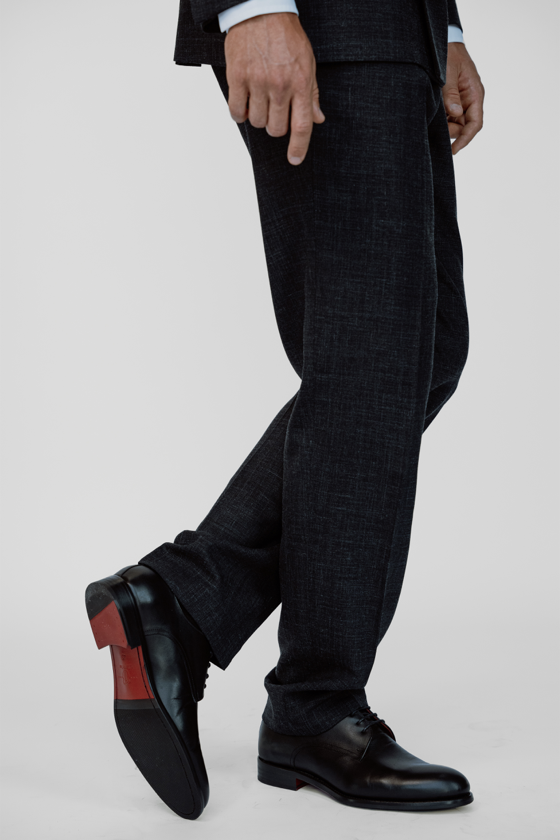
Bij House Of Tailors creëren we trouwpakken op maat die volledig afgestemd zijn op jouw persoonlijkheid, stijl en verhaal. Van een klassiek driedelig pak tot een eigentijdse interpretatie met unieke details: elk ontwerp wordt met zorg samengesteld en met vakmanschap vervaardigd.
Samen kiezen we de stoffen, kleuren en afwerkingen die perfect passen bij jouw grote dag. Zo ben je verzekerd van een trouwpak dat niet alleen prachtig oogt, maar ook comfortabel zit en je met vertrouwen laat genieten van elk moment.
We starten met te luisteren naar wat je opzoek bent en voor welke doeleinden je de kleding nodig hebt.
Samen met de tailor ga je op zoek naar de juiste stof.
De tailor neemt jouw lichaamsmaten op en bestudeert jouw lichaamshouding.
Nadat de tailor de patronen voor jouw maatkleding heeft uitgetekend, gaan onze partnerateliers aan de slag op de kledingstukken te produceren.
Na enkele weken plannen we een pasmoment in.